Envelope #10
Print your envelope with confidence
Fill in both addresses, preview your layout, and print in minutes.
Generate a USPS-compliant Envelope #10 PDF directly in your browser with local-first privacy.
Return address
Mailing address
Printing Instructions
Follow these steps once and save your return address for faster prints next time.
1
Generate Your Preview
Tap Print Envelope to open the PDF preview in a new tab.
2
Open Your Print Dialog
Use Ctrl+P (Windows) or Cmd+P (Mac).
3
Choose Envelope #10 Paper Size
Select Envelope #10 or Com-10 in the paper size menu.
4
Load the Envelope
Place the envelope in your printer with the correct orientation.
5
Print and You’re Done
Confirm the settings and Print your envelope.
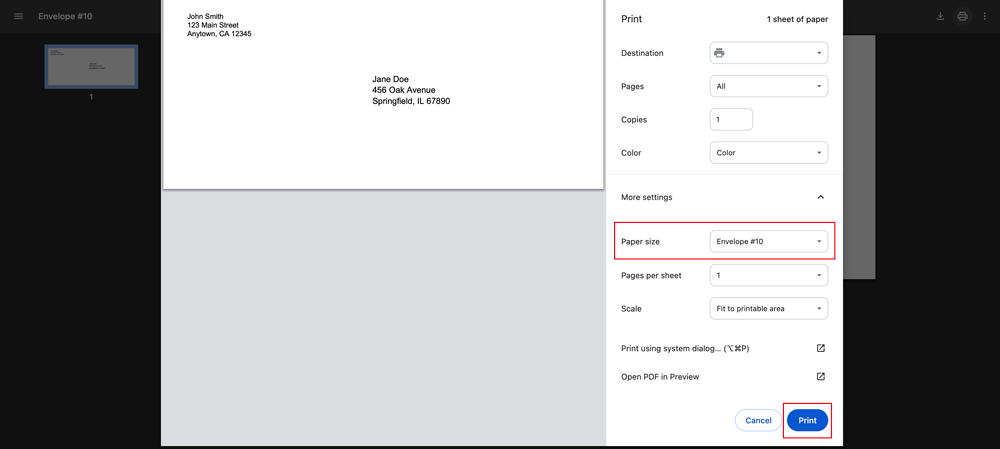
PreviewYour envelope layout with addresses aligned.