How to Print Addresses on Invitation Envelopes at Home
Printing invitation envelopes at home comes down to three things: the right paper size in the print dialog, an address the sorting machines can read, and postage that matches what’s inside. Here’s the whole process, from guest list to post office.
Updated 10 min readBy the Envelope10 team
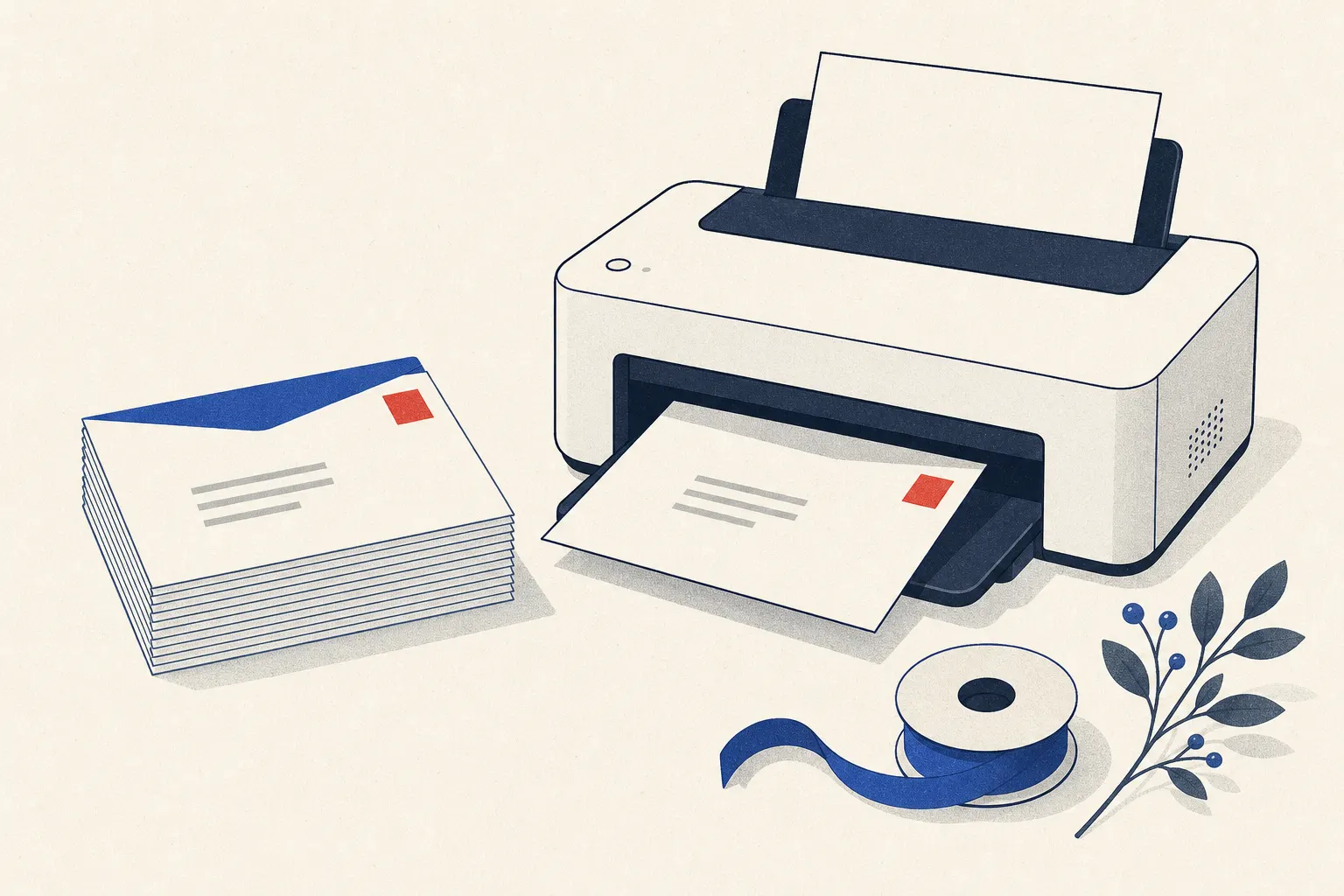
To print addresses on invitation envelopes at home, create a custom paper size that matches the envelope (7.25 × 5.25 in for an A7, the usual envelope for 5 × 7 invitations), print a test on plain paper at 100% scale, then feed the envelopes through one at a time. Keep the address dark, readable and inside the USPS reading area, and weigh one finished invitation before you buy stamps.
Most of it is ordinary envelope printing. Invitations add three complications: envelope sizes that print dialogs get wrong, the pull toward script fonts and dark paper, and postage that changes once you add an RSVP card, a ribbon or a wax seal.
What you’ll need
Start with envelopes that match your cards. Invitation and greeting card envelopes use the A-series sizes, and two of them cover most invitation suites:
| Piece | Typical card | Envelope | Print it |
|---|---|---|---|
| Invitation | 5 × 7 in | A7, 7¼ × 5¼ in | A7 printer |
| RSVP card | 4¼ × 5½ in or smaller | A2, 5¾ × 4⅜ in | A2 printer |
| Thank-you note | 4¼ × 5½ in | A2, 5¾ × 4⅜ in | A2 printer |
Our guides to the A7 envelope size and the A2 envelope size cover each in detail, and the envelope sizes chart lists the rest if your cards are an unusual size.
Then gather the rest:
- Smooth, matte envelopes. HP, for example, advises against shiny or coated envelopes (HP envelope guide).
- Spare envelopes. The Emily Post Institute suggests ordering extra envelopes in case of errors (Emily Post). A few will go to test prints.
- A printer that accepts custom paper sizes. A7 and A2 envelopes need a custom size in the print dialog, so your printer driver has to let you enter one. Check its minimum media size too.
- Plain paper for test prints, and a kitchen or postal scale for weighing a finished invitation.
Get the guest list ready
Keep the list in a spreadsheet with separate columns for name, street, apartment or suite, city, state and ZIP Code. That layout matches the fields in Envelope10 and the fields a mail merge expects.
- Get complete addresses. Ask for apartment and unit numbers up front. USPS prefers the unit at the end of the street line, as in
14 Oak St Apt 3. - Add ZIP+4 codes. USPS asks for the ZIP+4 whenever possible (USPS letters guide). Look them up by street address with the USPS ZIP Code Lookup.
- Keep leading zeros. Format the ZIP column as text, or a spreadsheet will turn 04101 into 4101. Microsoft gives the same advice for mail merge.
- Flag international guests. Envelope10 handles US addresses only, including DC, Puerto Rico, Guam, the US Virgin Islands and APO/FPO/DPO. Address international invitations by hand or in a word processor.
For line order and cases such as c/o and military addresses, see our guide to how to address an envelope.
How formal invitations are addressed
Wedding etiquette has its own style for the outer envelope. According to the Emily Post Institute, the outer envelope uses titles with full first and last names. Middle initials aren’t used: write the middle name out or leave it off. Titles such as Mr., Mrs., Ms. and Dr. are abbreviated, while words like Street and Boulevard are spelled out. The state can be written in full or as the two-letter postal code, and the state field in Envelope10 uses the code.
That style differs from the Postal Service’s. USPS lists ST and BLVD as its recommended abbreviations and prefers capital letters, though lowercase is acceptable as long as it meets its readability rules (Pub 28 §212). If you follow the etiquette style, leave the ALL CAPS switch off and type the names exactly as you want them to appear.
One more point, in fairness: Emily Post’s wedding invitation guide recommends addressing wedding invitations by hand, even for hundreds of guests, and not using address labels. Printing straight onto the envelope isn’t a label, but it isn’t handwriting either. If strict etiquette matters for your event, one middle path is to hand-address the outer envelopes and print the reply envelopes, which all carry your own address.
Choose a look that still mails
Invitations go through the same sorting machines as any letter, which read the address and spray a barcode along the bottom. The rules that matter:
- Type size and style. At least 8-point type, with sans-serif preferred (DMM 202).
- Contrast and spacing. Dark ink on a light background, with characters that don’t touch (Pub 28 Appendix A).
- A clear barcode strip. The lower-right 4¾ × ⅝ in has to stay empty and meet reflectance standards (DMM 202).
Script and calligraphy fonts join their letters by design, so they may not read reliably on the machines. Dark, metallic or heavily patterned envelopes are a similar risk, because they may not give the scanner or the barcode enough contrast. Use the decorative type on the invitation itself and keep the mailing address plain.
Envelope10 is built around that idea: Helvetica (a clean sans-serif) or Courier, the delivery address at 12 pt and the return address at 10 pt, and an optional ALL CAPS mode. It has no script fonts, logos or images.
Print a test, then the rest
The settings are the same for every envelope in the batch, so get them right once on plain paper before you touch the good envelopes.
- Create the custom paper size. Enter 7.25 × 5.25 in for an A7 or 5.75 × 4.375 in for an A2. On a Mac, choose File › Page Setup in an app such as Pages, open the Paper Size menu and pick Manage Custom Sizes (Apple). On Windows, look for a custom or user-defined size in the printer’s Preferences or Properties; the wording varies by driver.
- Pick that size in the print dialog. Select your custom size, not the preset called A7 or A2.
- Set the scale to 100%. Choose Actual size or 100%. Fit to page shrinks the layout and moves the address.
- Print on plain paper. Lay an envelope over the printout and hold both up to a window. The address should sit where the preview showed it.
- Print one real envelope. Check that the address is on the front, right side up, and that the ink doesn’t smudge when dry.
- Print the rest. Feed envelopes the same way every time, and spread fresh prints out to dry rather than stacking them.
If the test lands on the back or upside down, our guide to loading envelopes in your printer shows how to find the right orientation.
One envelope at a time or mail merge?
Envelope10 prints one envelope at a time: you type a guest’s address, print, and move on to the next. It has no spreadsheet import or mail merge. If you opt in, it remembers your addresses and your last 12 envelopes, which saves retyping your own details but doesn’t hold a guest list.
For a few dozen invitations that’s quick and predictable. For a big wedding it becomes an evening of typing, and a mail merge makes more sense:
| Your situation | Good fit |
|---|---|
| Up to a few dozen invitations | Envelope10, one A7 envelope at a time |
| Reply envelopes, any number | Envelope10 A2: one PDF, printed as many times as you need |
| About 100 guests or more | Mail merge in Microsoft Word or LibreOffice Writer |
| Strictly formal wedding | Hand-addressed outer envelopes, printed reply envelopes |
In Word, mail merge runs from Mailings › Start Mail Merge › Envelopes. Choose a custom envelope size in Envelope Options, connect your spreadsheet with Select Recipients, insert an Address Block, preview a few guests and finish with Finish & Merge › Print Documents (Microsoft). Our guide to printing envelopes in Word walks through it. LibreOffice Writer is free, takes a user-defined envelope size and also supports mail merge; we compare both in the best free envelope printing software.
One catch with a merge: you place the address yourself. To keep it in the USPS read area on an A7, borrow the position Envelope10 uses, with the delivery block starting 2.5 in from the left and 2.75 in from the top.
RSVP envelopes
The Emily Post Institute calls it a good idea to pre-address and stamp the reply envelope so guests can answer by mail with as little effort as possible (Emily Post). That makes reply envelopes the easiest part of the job to print: every one carries the same address, yours.
- Open the A2 printer. Use the A2 envelope printer, or whichever size fits your reply cards.
- Put your address in both places. The delivery address is whoever collects the replies, usually you. Envelope10 also requires a return address, so the simplest choice is to enter the same address there.
- Print copies. Make the PDF once and set the number of copies in the print dialog, feeding as many envelopes as your tray takes at a time.
- Stamp them. A flat reply card in an A2 envelope takes one Forever stamp if it weighs 1 oz or less.
If replies should go somewhere other than the return address on the invitation, put that address on the reply envelope, as Emily Post suggests. The Institute also suggests lightly numbering the back of each reply card against your guest list, in case someone forgets to write their name.
Postage for invitations
Our free postage checker gives a quick answer once you know the envelope’s size and weight, including whether a square or stiff invitation needs the 49¢ surcharge.
Before you buy stamps, weigh one fully assembled invitation: envelope, card, reply card with its stamped envelope, and every insert. Emily Post gives the same advice, and adds that if out-of-town guests get extra inserts such as maps, you should weigh both versions (Emily Post).
| Weight | Postage |
|---|---|
| Up to 1 oz | $0.82 |
| Up to 2 oz | $1.11 |
| Up to 3 oz | $1.40 |
| Up to 3.5 oz (letter maximum) | $1.69 |
| Nonmachinable surcharge | +$0.49 on top |
Weight isn’t the only factor. Under DMM 101.1.2, a letter pays the $0.49 nonmachinable surcharge if it can’t run through the sorting machines, including when it is:
- Square or nearly square. Length divided by height below 1.3. A square envelope always qualifies, and USPS’s letters guide notes that square envelopes cost more.
- Too rigid. Thick card stock, a mounted card or a stiff insert may make it too stiff to bend through the machines.
- Lumpy. Uneven contents count, and a wax seal, charm or knotted ribbon may make the envelope uneven too.
- Closed with clasps, string or buttons.
An A7 (aspect ratio 1.38) and an A2 (1.31) are both inside the 1.3 to 2.5 range, so a flat, flexible one mails at the regular price. Over 3.5 oz or thicker than ¼ in, an invitation is no longer a letter and pays large-envelope prices. A 1-oz letter to another country costs $1.75; check the price for anything heavier.
Once you know the postage, the rest is routine: open the A7 envelope printer, run your test sheet, and work through the list.
Frequently asked questions
Can I print addresses on wedding invitation envelopes at home?
Yes. Create a custom paper size that matches the envelope (7.25 x 5.25 in for an A7), test on plain paper at 100% scale, and print in dark ink on a light envelope. Etiquette guides such as Emily Post still favor hand-addressing wedding invitations, so it is partly a style choice.
What size envelope do I need for 5x7 invitations?
An A7 envelope, which is 5 1/4 x 7 1/4 in. That leaves 1/4 in of room in each direction around a 5 x 7 card, enough to slide it in without bending.
What font should I use to print invitation envelopes?
A clear font at 8 points or larger. USPS prefers sans-serif type and asks that characters not touch, so heavily connected script fonts may not read well on sorting machines. Save the script for the invitation itself.
How much postage does a wedding invitation need?
It depends on weight and shape. As of July 12, 2026, a flat letter up to 1 oz costs $0.82 and up to 2 oz $1.11, and square, rigid or lumpy invitations add a $0.49 nonmachinable surcharge. Weigh one complete invitation before you buy stamps.
Should RSVP envelopes be stamped?
Etiquette says yes. The Emily Post Institute recommends pre-addressing and stamping the reply envelope so guests can answer easily. A flat A2 reply envelope up to 1 oz takes one Forever stamp.
Can I print addresses on dark envelopes?
It is risky. USPS asks for dark print on a light background, and the barcode area along the bottom has to meet reflectance standards, so a dark or metallic envelope may not read on the machines. Choose white, ivory or pale envelopes for printed addresses.