Free #10 Envelope Template: Printable PDF for Home Printers
A #10 envelope template for a home printer needs two things: the exact 9.5 × 4.125 in page and the address blocks where the Postal Service expects them. Here’s what that looks like, and the fastest ways to get one.
Updated 7 min readBy the Envelope10 team
The quickest way to get a free #10 envelope template is to fill one in online and download it as a PDF: open the Envelope10 printer, type the return and delivery addresses, and print the 9.5 × 4.125 in page with your printer set to Envelope #10 at 100% scale. If you prefer a word processor, Microsoft Word, LibreOffice and Apple Pages can all produce a #10 layout too.
What most “#10 envelope template” downloads get wrong is the purpose. Many are made for print shops, not for the printer on your desk. This guide explains what a home-printer template has to contain, where each line goes, and how to print it without the address drifting off the envelope.
What a #10 envelope template must contain
A usable template is more than a rectangle the right size. It has to put four things in the right place: the return address, the postage area, the delivery address and a strip of empty space for the barcode that USPS sorting machines spray on. Get the page size right but the address too low, and the machine can’t read it.
Start with the page itself. These are the numbers to plug into any app:
| Unit | Width × height | Where you’ll use it |
|---|---|---|
| Inches | 9.5 × 4.125 (9½ × 4⅛) | Word, Pages, print dialogs |
| Millimeters | 241.3 × 104.8 | LibreOffice, international drivers |
| Points | 684 × 297 | PDF tools, InDesign, Illustrator |
| Pixels at 300 dpi | 2850 × 1238 | Canva, Photoshop, image editors |
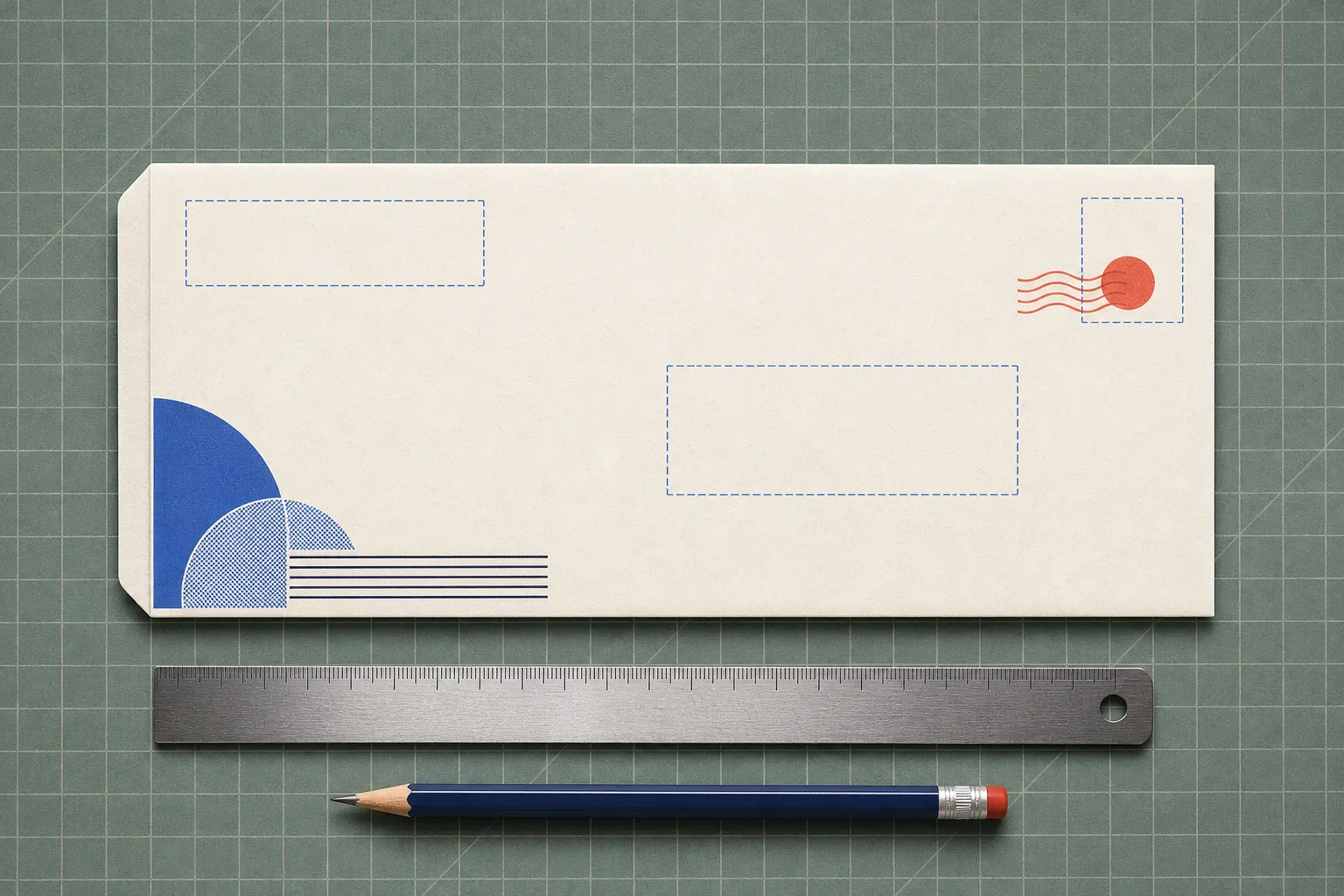
Then the zones. Here is the template Envelope10 uses, drawn to scale:
| Element | Position | Type size |
|---|---|---|
| Return address | ⅜ in from the left, about 0.4 in from the top | 10 pt |
| Delivery address | Starts 4 in from the left; whole block between ⅝ and 2¾ in above the bottom | 12 pt |
| Side clearance | At least ½ in from the left and right edges | — |
| Barcode clear zone | Bottom-right strip, 4¾ in wide × ⅝ in tall, left empty | — |
| Postage | Upper-right corner | — |
The band and the clear zone come from the Postal Service’s address placement rules for letter-size mail. If you want the reasoning behind each measurement, our guide to USPS address placement rules walks through every zone.
Print-shop templates vs. home templates
Search for “#10 envelope template PDF” and most results come from commercial printers. Those files are excellent at what they do, which is helping a designer prepare artwork for a printing press. They usually show three outlines:
- Bleed — an extra margin past the edge so ink that should reach the edge doesn’t leave a white sliver after cutting.
- Trim line — where the finished envelope is cut.
- Safe area — a margin inside the trim where important text should stay.
None of that matters when you feed a ready-made envelope into an inkjet or laser printer. You aren’t printing to the edge, and nothing gets cut. What matters at home is that the page is exactly envelope-sized and that the address lands inside the USPS reading area. A print-shop template doesn’t tell you either, so it can look right on screen and still print the address too low.
Get a filled-in #10 template PDF in a minute
A blank template still leaves you typing addresses into the right boxes. A faster route is to fill in the template directly and download the finished PDF. That’s what the Envelope10 printer does:
- Enter the return address. Tick “Remember my addresses” if you want it prefilled next time. It’s stored only in your browser.
- Enter the delivery address. Name, street, an optional apartment or suite line, city, state and ZIP (5 digits or ZIP+4).
- Check the live preview. Turn on the USPS zones to see the delivery band and barcode area on the envelope as you type.
- Pick a style. Helvetica or Courier, and an optional ALL CAPS mode, which is the format the Postal Service prefers.
- Open or download the PDF. The page is exactly 9.5 × 4.125 in, landscape, so there’s nothing to resize.
The PDF is generated on your device. No account, no upload, and the addresses never reach a server.
Other ways to get a #10 template
If you already work in a word processor, each of the big ones can lay out a #10 envelope. The trade-off is setup time and remembering where the settings live.
Microsoft Word
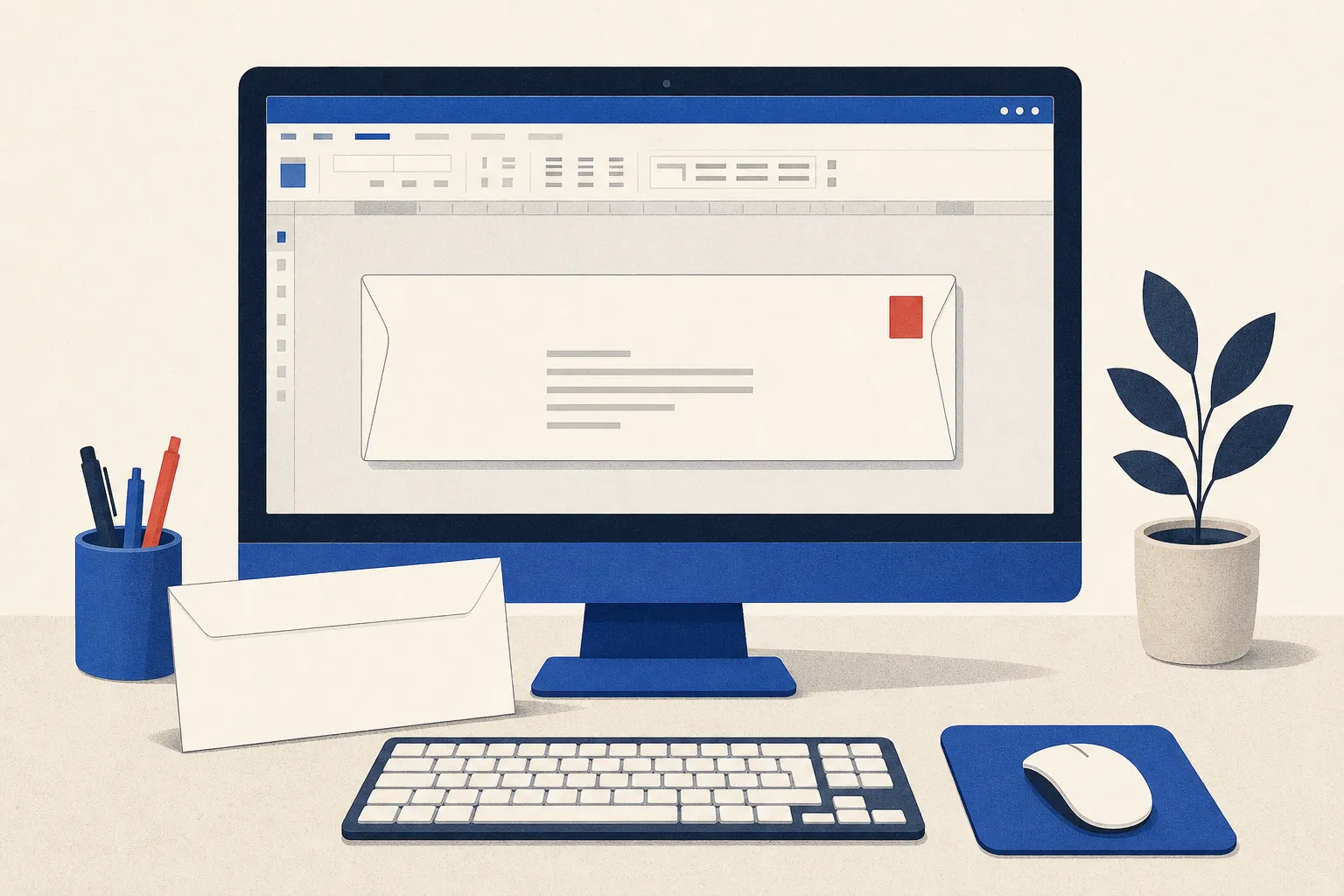
Word doesn’t need a downloaded template. Go to Mailings › Envelopes, type the addresses, open Options and choose Size 10 (4⅛ × 9½ in). Word positions both address blocks for you. Our step-by-step guide to printing an envelope in Word covers the feed settings that trip most people up.
LibreOffice Writer
LibreOffice is free and has a built-in envelope tool under Insert › Envelope. On the Format tab, pick the #10 envelope size; on the Printer tab, choose how the envelope feeds. It also supports mail merge if you need a batch.
Apple Pages
On a Mac, Pages includes envelope designs in its template chooser under Stationery. Check the document size in the Document sidebar and set it to 9.5 × 4.125 in if the template defaults to a different envelope.
Google Docs
Google Docs has no built-in envelope feature, and its Page setup only offers preset paper sizes, so a #10 template there takes an add-on or a workaround. We compare the options in how to print an envelope in Google Docs.
What about #10 window envelopes?
A window envelope flips the job around: the address is printed on the letter inside, and the envelope only has to show it. Envelope10 prints on the envelope itself, so it isn’t the tool for window envelopes.
If you’re setting up a letter for a window envelope, the window on a #10 is usually 1⅛ × 4½ in, but where it sits varies. Many stock envelopes put it about ⅞ in from the left and ½ in from the bottom; the Postal Service’s own #10 window envelope puts it 1¹⁄₁₆ in from the left and 13⁄16 in from the bottom (PS Form 3203-X). Measure the envelopes you actually bought.
USPS rules for window envelopes are strict: every character of the address must stay visible as the letter slides around inside, with at least ⅛ in of clear space between the address and each edge of the window (DMM 601.6.3). Fold a test letter, shake it to the corners of the envelope, and check that nothing gets hidden.
Printing the template straight
Most “the address printed in the wrong place” problems come from print settings, not the template. Before you print on an envelope, check these three things in the print dialog:
- Paper size: Envelope #10, Com10 or No. 10 Envelope. The name depends on the printer driver; the size is the same. Our #10 envelope size guide explains why the names differ.
- Scale: 100% or Actual size. “Fit to page” shrinks the layout and moves the address.
- Orientation: landscape, which a #10 PDF usually sets for you.
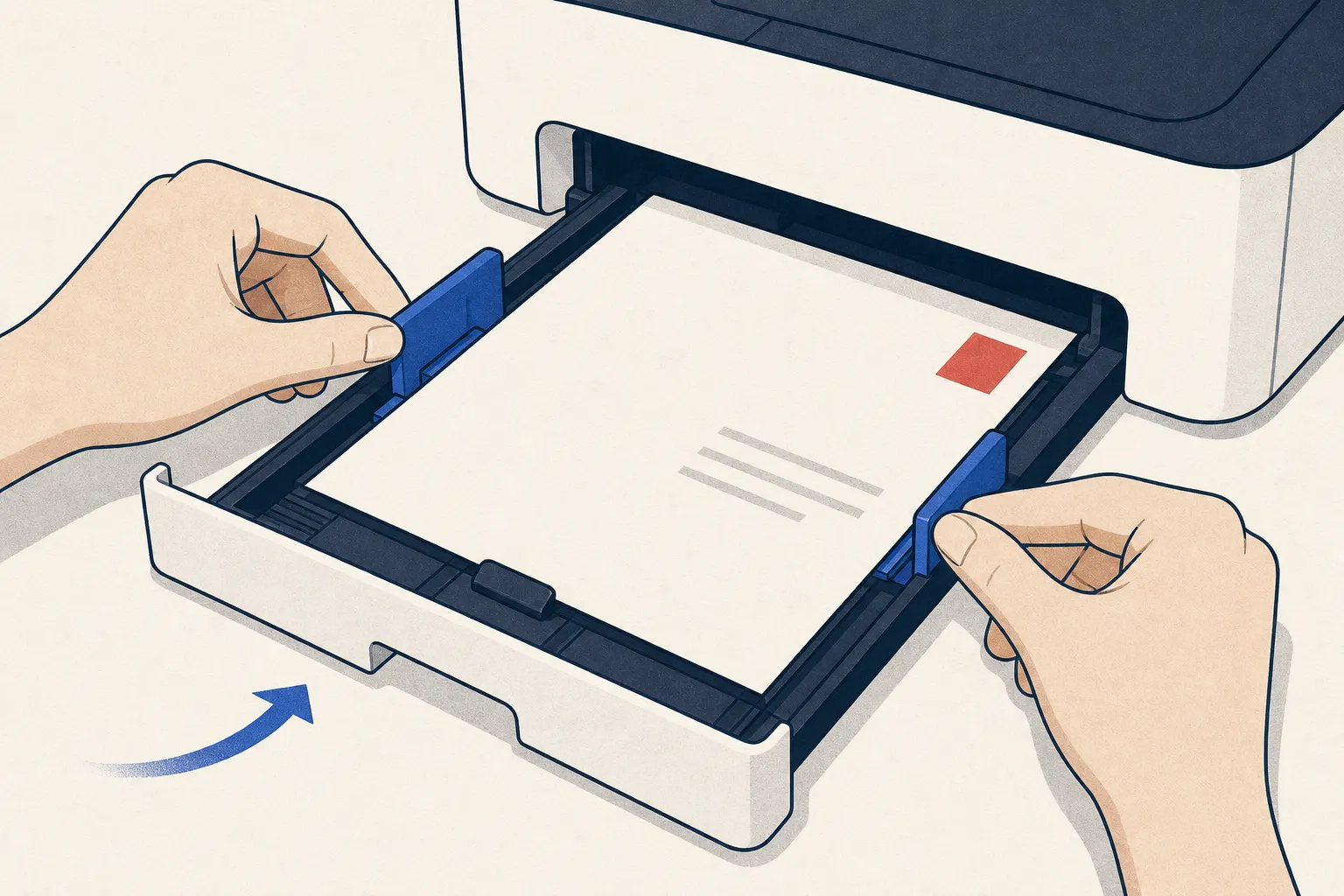
Then do one test on plain paper. Print, lay an envelope on top, hold both up to a window and confirm the text lands where it should. If it prints upside down or on the wrong side, the envelope went in the wrong way round. Our guide to loading envelopes in HP, Canon, Epson and Brother printers shows how to work out the right orientation for your tray.
Once the test looks right, every envelope after it will too. That’s why a template with fixed placement saves time: set the printer up once and reuse the same layout for every letter you print from Envelope10.
Frequently asked questions
Is there a #10 envelope template in Microsoft Word?
Yes. Word doesn't ship a separate template file, but Mailings > Envelopes > Options lets you pick Size 10 (4 1/8 x 9 1/2 in) and lays out the return and delivery addresses for you.
What size is a #10 envelope template in pixels?
At 300 dpi a #10 envelope is 2850 x 1238 pixels. In points (used by PDF and design apps) it is 684 x 297 pt, and in millimeters about 241.3 x 104.8 mm.
Can I test a #10 envelope template on regular letter paper?
Yes. Print the PDF at 100% (Actual size) on a sheet of letter paper, lay an envelope on top and hold both up to a light. If the text sits where you expect, print on the envelope with the same settings.
Does a #10 template work with window envelopes?
Not directly. With a window envelope the address is printed on the letter inside, positioned behind the window. #10 windows are usually 1 1/8 x 4 1/2 in, but their position varies by maker, so measure yours and keep at least 1/8 in of clearance around the address.
Can I use a free #10 envelope template for business mail?
Yes. A #10 is the standard US business envelope, and a template that follows USPS placement rules is fine for invoices, letters and checks. Add your company name as the first line of the return address.