#10 Envelope Size: Dimensions, Com-10 and What Fits Inside
The #10 is the standard American business envelope: 9½ in long and 4⅛ in high. Here it is in every unit, under every name your printer might use, and next to the sizes it gets mixed up with.
Updated 11 min readBy the Envelope10 team
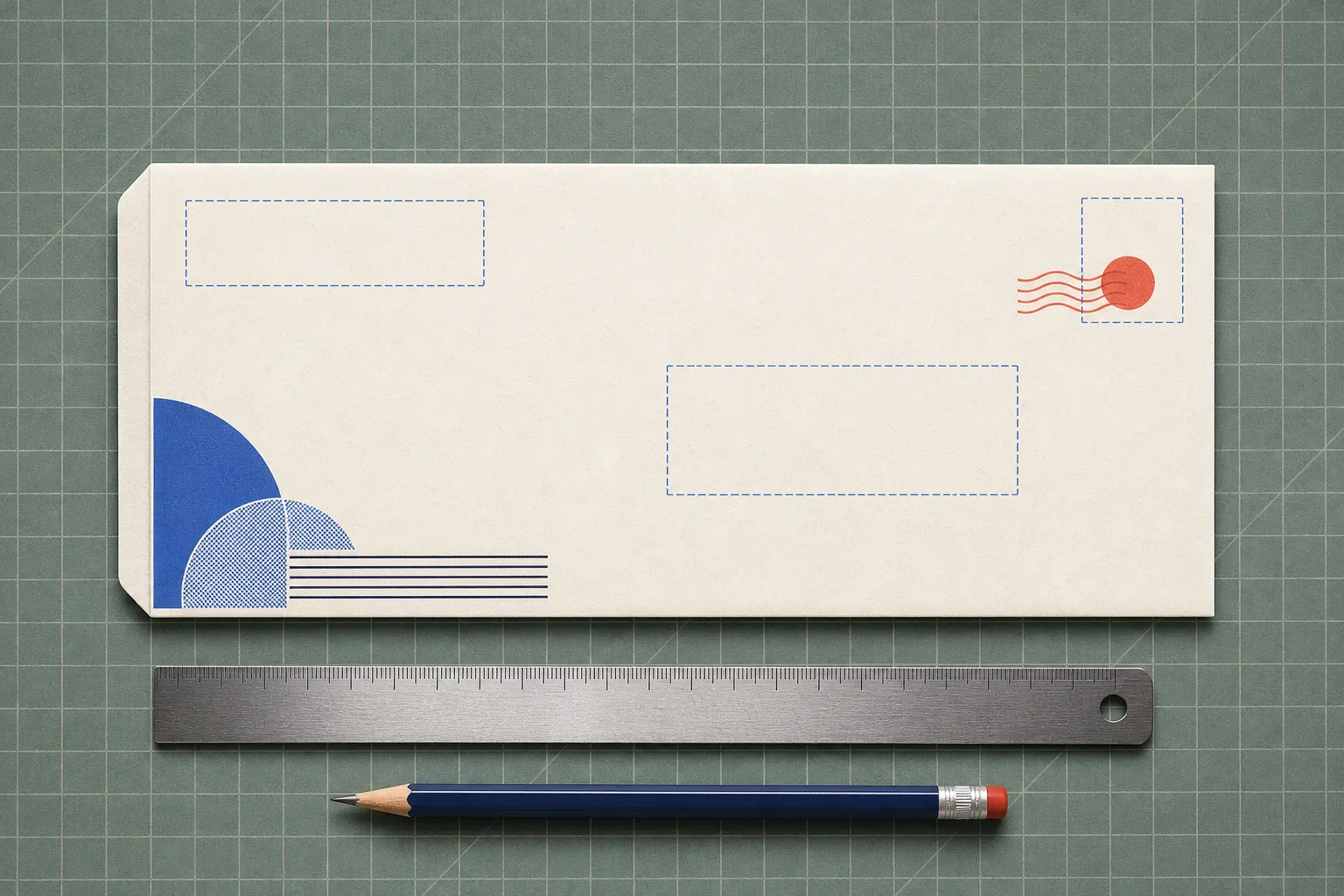
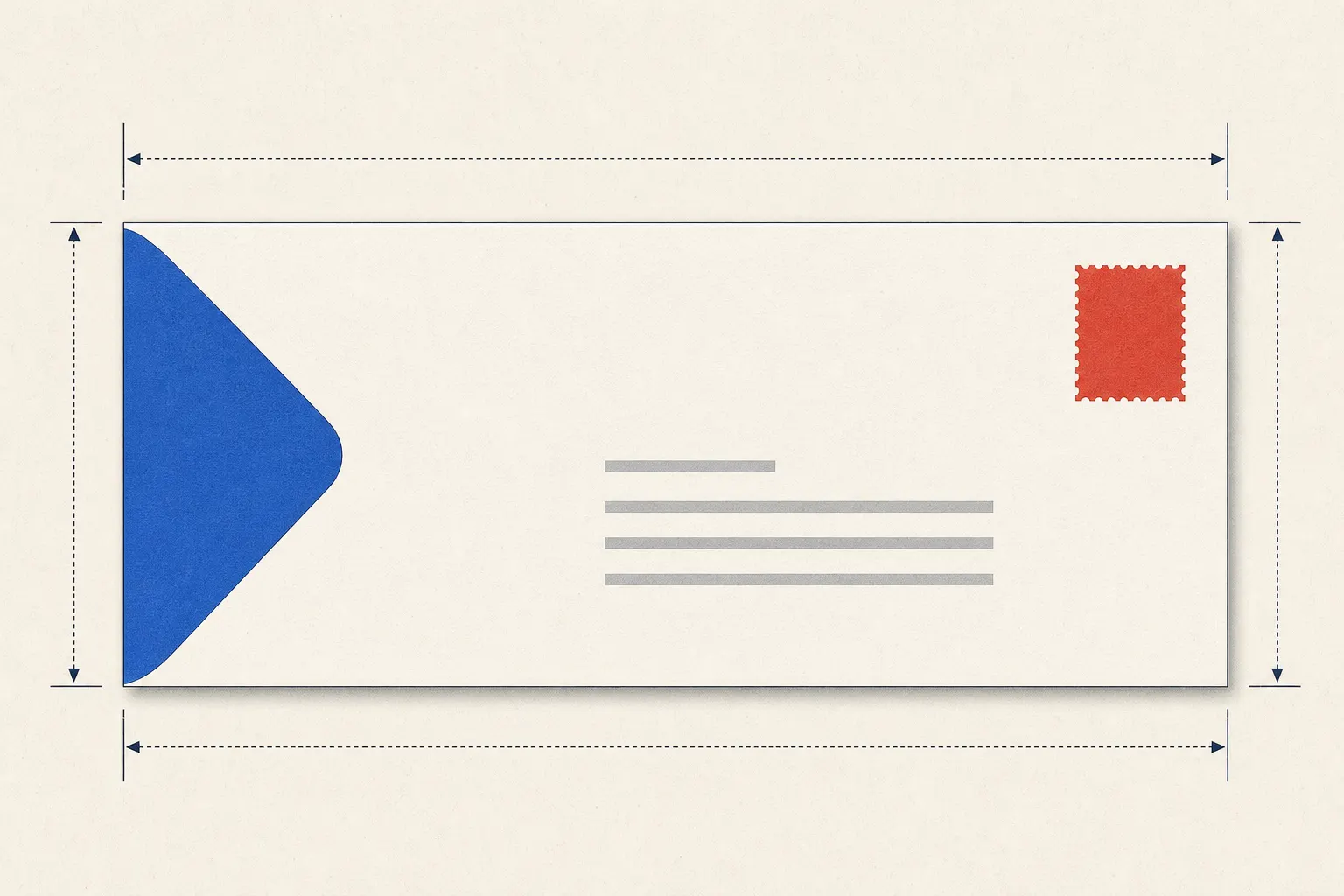
A #10 envelope measures 9½ × 4⅛ in (9.5 × 4.125 in, or 241.3 × 104.8 mm). It’s the standard long business envelope in the US, sized for a sheet of letter paper folded in thirds, and print dialogs list it as Envelope #10, Com-10, Envelope Com 10 or, in Microsoft Word, Size 10.
The size itself is simple. What trips people up is everything around it: a printer menu that calls it something unfamiliar, an A10 or DL that sounds close but isn’t, and whether a letter, a reply envelope or a check will actually fit. This guide covers all of it, with numbers from USPS and printer-maker documentation.
#10 envelope dimensions in every unit
USPS describes a standard No. 10 envelope as 9½ in long and 4⅛ in high on its guide to sending letters, and the order form for its own Personalized Stamped Envelopes (PS Form 3203-X) gives the same 4⅛ × 9½ in. “Length” is the side the address runs along, so the 9½ in edge is the long, horizontal one.
Different apps ask for the size in different units. Here are all of them:
| Unit | Width × height | Where you’ll need it |
|---|---|---|
| Inches (decimal) | 9.5 × 4.125 | Print dialogs, custom paper sizes |
| Inches (fractions) | 9½ × 4⅛ | Envelope boxes, USPS, Word |
| Millimeters | 241.3 × 104.8 | Metric drivers, LibreOffice |
| Centimeters | 24.1 × 10.5 | Rounded, for quick reference |
| Points (1/72 in) | 684 × 297 | PDF tools, InDesign, Illustrator |
| Pixels at 300 dpi | 2850 × 1238 | Photoshop, Canva, print-quality images |
| Pixels at 96 dpi | 912 × 396 | Screen mockups, CSS |
| Aspect ratio | 2.30 : 1 | USPS machinability check |
Some printer manuals round the metric size to 105 × 241 mm, as Xerox does. That’s the same envelope, not a different one. Also keep in mind that these are outside measurements. The usable space inside is a little smaller once you allow for the seams, which matters when you’re working out what will fit.
The aspect ratio (length divided by height) comes up again under postage: USPS sorting machines want letters between 1.3 and 2.5, and a #10 sits comfortably at 2.30.
What “Com-10” means, and what your print dialog calls it
“Com-10” is shorthand for commercial #10, the trade name for the standard business envelope. The Printer Working Group, which maintains the standardized paper-size names that network printers use, lists “comm-10” as the common name for the #10 envelope in its Media Standardized Names specification. Whatever the label, the size behind it is always 4⅛ × 9½ in.
The problem is that every app and driver picks its own label, so the envelope you’re holding may not appear under the name on the box. These are the ones you’re most likely to see:
| Where you see it | What it’s called | Source |
|---|---|---|
| USPS consumer guide | No. 10 envelope | usps.com |
| Microsoft Word, Envelope Options | Size 10 | Microsoft Learn |
| Windows paper definitions | #10 Envelope | Microsoft Learn |
| HP printers | Envelope #10 | HP support |
| Canon inkjets | Envelope Com 10 | Canon manual |
| Brother drivers | Com-10 | Brother support |
| Xerox | No. 10 Envelope | Xerox support |
| Driverless (IPP) printing | #10 Envelope (na_number-10_4.125x9.5in) | PWG 5101.1 |
That last row is the odd-looking one. Driverless printing over IPP, the protocol behind AirPrint and Mopria, identifies paper with the PWG’s self-describing names, which spell out the size in inches. If you ever see na_number-10_4.125x9.5in in a printer’s settings, that’s your #10.
Why picking the right name matters
The paper-size setting tells the printer how big the page is and where its edges are. Leave it on Letter with an envelope in the tray and you can get a paper-size mismatch error, a page that’s shrunk to fit, or text placed where it would go on an 8½ × 11 sheet, which is often off the envelope entirely.
Many drivers also pair the size with a media type. Brother’s, for example, offer Com-10 under Paper Size and Envelopes under Media Type, and setting both lets the printer adjust for the thicker stock. A PDF from the Envelope10 printer is already 9.5 × 4.125 in, so the paper size is the only thing you need to match.
If you can’t find #10 in the list
- Scan for the other names. Com10, Com-10, Envelope Com 10 and No. 10 all mean the same size. Monarch (3⅞ × 7½ in) and DL often sit right next to it and are different envelopes.
- Check the printer you selected. Envelope sizes come from the driver, so a different printer, or a generic driver, can show a shorter list.
- Create a custom size. Enter 9.5 × 4.125 in. Some drivers expect the short edge first (4.125 wide × 9.5 tall); if the preview looks sideways, swap the values or the orientation.
What fits in a #10 envelope
A #10 was designed around one job: an 8½ × 11 in letter folded in thirds. Folding the 11 in side into three panels gives a packet about 8½ × 3⅔ in, which leaves roughly an inch of length and a little under ½ in of height to spare.
| Contents | Folded size | Fits? |
|---|---|---|
| Letter (8½ × 11 in), folded in thirds | About 8½ × 3⅔ in | Yes, with room to spare |
| A4 (210 × 297 mm), folded in thirds | About 8¼ × 3.9 in | Yes, but snug in height |
| Legal (8½ × 14 in), folded in thirds | About 8½ × 4⅔ in | No, taller than the envelope |
| Legal, folded in fourths | 8½ × 3½ in | Yes |
| Letter, folded in half | 8½ × 5½ in | No |
| #9 reply envelope | 3⅞ × 8⅞ in, unfolded | Yes |
| Personal check | Unfolded | Yes |
Sending a reply envelope
A #9 envelope is 3⅞ × 8⅞ in, ¼ in lower and ⅝ in shorter than a #10. That’s just enough for it to slide inside without folding, which is why a #9 is commonly used as the reply envelope in bills and donation requests. USPS itself sells #9 security envelopes alongside its #10s.
Checks, invoices and statements
Checks and invoices printed on letter-size stock fold to the same 8½ × 3⅔ in packet as a letter, so they fit too. With double-window envelopes, use the exact envelope your check stock was laid out for so the address lines up with the windows.
How much paper before you need more postage
Weight runs out before space does. One Forever stamp covers 1 oz, and as a rough guide that’s the envelope plus about four sheets of ordinary 20 lb copy paper. With five or more sheets, or heavier paper, weigh it on a kitchen scale. The envelope also has to stay flat: anything over ¼ in thick is no longer a letter in USPS terms.
#10 vs. other envelope sizes
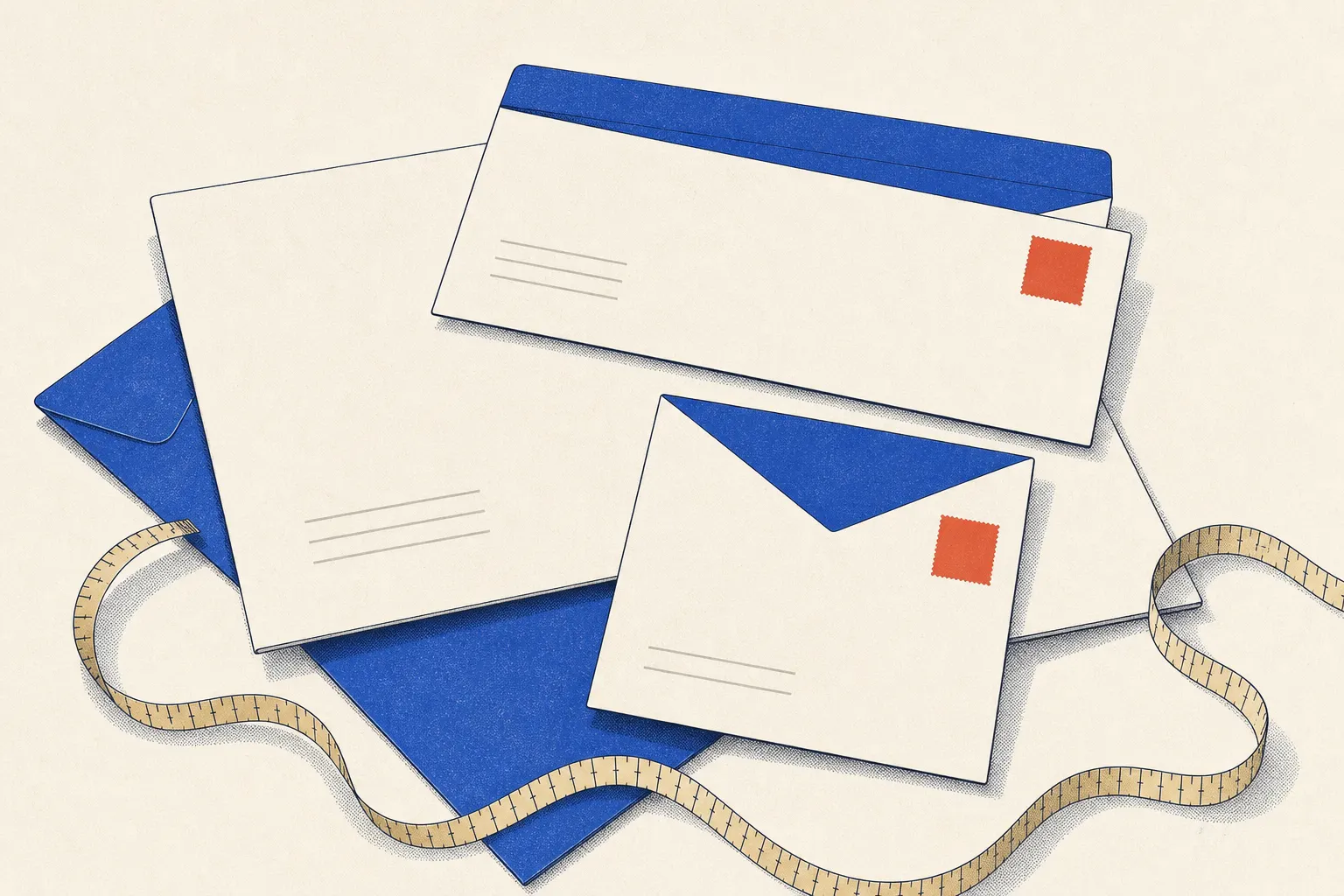
Envelope names come from three systems whose numbers don’t line up. Numbered sizes (#6¾, #9, #10…) are business envelopes, “A” sizes are announcement envelopes for cards and invitations, and DL and C5 are international metric sizes.
| Size | Dimensions | Typical use | Mails as |
|---|---|---|---|
| #6¾ | 3⅝ × 6½ in | Small personal envelope | Letter |
| #9 | 3⅞ × 8⅞ in | Reply envelope inside a #10 | Letter |
| #10 | 4⅛ × 9½ in | Standard business letters | Letter |
| #11 | 4½ × 10⅜ in | Larger business envelope | Letter |
| #12 | 4¾ × 11 in | Larger business envelope | Letter |
| #14 | 5 × 11½ in | Largest common numbered size | Letter (at the length limit) |
| A2 | 4⅜ × 5¾ in | Note cards | Letter (aspect ratio 1.31, just inside the limit) |
| A7 | 5¼ × 7¼ in | Invitations, greeting cards | Letter |
| A10 | 6 × 9½ in | Large cards and announcements | Letter |
| DL | 110 × 220 mm (4.33 × 8.66 in) | Metric long envelope for A4 folded in thirds | Letter |
| C5 | 162 × 229 mm (6.38 × 9.02 in) | A5 flat or A4 folded once | Flat (taller than 6⅛ in) |
| 6 × 9 | 6 × 9 in | Half-letter documents, unfolded | Letter, if ≤ ¼ in thick and ≤ 3.5 oz |
| 9 × 12 | 9 × 12 in | Letter-size documents, unfolded | Flat |
| 10 × 13 | 10 × 13 in | Thicker stacks of documents | Flat |
Besides the #10, the Envelope10 printer handles the #9, #6¾, A7 and A2 — the linked sizes in the table each have their own guide — and our envelope sizes chart covers every standard size, including the ones above that we don’t print.
Three comparisons come up again and again:
- #10 vs. #9. Nearly the same shape; the #9 is just small enough to travel inside the #10 as the reply envelope.
- #10 vs. A10. Same 9½ in length, but an A10 is 6 in tall, nearly 2 in more, so a #10 layout won’t line up on it.
- #10 vs. DL. DL is slightly taller (4.33 in) and about ⅞ in shorter (8.66 in). It’s the closest metric equivalent, but the two aren’t interchangeable in a print dialog.
Postage and machinability for a #10
In USPS terms a #10 is a letter, and an easy one. It’s well inside the letter limits of 11½ × 6⅛ × ¼ in and 3.5 oz set out in DMM 101, and its 2.30 aspect ratio is inside the 1.3–2.5 range sorting machines accept. A flat, normally filled #10 mails at the regular letter price.
| Weight | Price |
|---|---|
| Up to 1 oz | $0.82 (one Forever stamp) |
| Up to 2 oz | $1.11 |
| Up to 3 oz | $1.40 |
| Up to 3.5 oz | $1.69 |
| Over 3.5 oz | Priced as a flat (large envelope) |
| Nonmachinable surcharge | +$0.49 |
Those figures come from USPS Notice 123. The most recent change, on July 12, 2026, raised the Forever stamp from 78¢ to 82¢ and left the additional ounce at 29¢. Metered mail is $0.78 for 1 oz.
A Forever stamp is always worth the current 1 oz price, so older stamps still cover a 1 oz letter. Two Forever stamps will cover a 2 oz letter, but they overpay by 53¢.
What makes a #10 nonmachinable
The shape is never the problem with a #10; the contents and the address can be. Under DMM 101, a letter is nonmachinable and pays the $0.49 surcharge if it:
- has clasps, strings or buttons;
- holds lumpy items such as pens, keys or coins;
- is too rigid to bend, or is wrapped in plastic;
- has the address written parallel to the short side, which happens when people address a #10 vertically.
Where the address goes on the front matters too, though for sorting rather than price. Our guide to USPS address placement rules shows the exact zones on a #10.
To check a specific envelope — a #10 with a thick insert, or one of the other sizes — enter its size and weight in our free postage checker.
Printing on a #10 envelope at home
Most inkjet and laser printers list #10 among their supported envelope sizes, but check your model’s specs; some only accept envelopes in a rear slot or manual feed tray. Whatever the printer, the routine is the same:
- Choose the paper size. Pick the #10 name your driver uses from the table above: Envelope #10, Com10, Envelope Com 10 or No. 10.
- Set the media type. Choose Envelope if the driver offers it.
- Print at 100%. Use Actual size, not Fit to page, so the layout isn’t scaled.
- Load the envelope the way your tray expects. HP’s general guidance for inkjets is face down with the flap on the left in the front tray, and face up in a rear tray. Canon’s G3000 series and Epson’s ET-2980 take it in the rear tray, printable side up, flap on the left. Models vary, so check yours.
- Test on plain paper first. Print, lay an envelope on top, and hold both up to a light.
Our guide to loading envelopes in HP, Canon, Epson and Brother printers covers each tray type and what to do when the address prints in the wrong place.
If you’d rather not set up a layout at all, Envelope10 builds the page for you. Type the two addresses, check the to-scale preview, and open a PDF that’s exactly 9.5 × 4.125 in, landscape, with the addresses already in the USPS zones. Press Ctrl+P (or ⌘+P on a Mac), choose the #10 paper size and print at 100%.
Once one envelope prints correctly, keep the same settings for the rest. For a ready-made layout you can reuse, see our free #10 envelope template, and for the line-by-line format of the address itself, read how to address an envelope. When you’re ready, you can print your next #10 here.
Frequently asked questions
Is a #10 envelope the standard business envelope size?
Yes. In the US the #10 (4 1/8 x 9 1/2 in) is the everyday business envelope for letters, invoices and statements. USPS calls it the standard No. 10 envelope, and printer makers list it for standard business mail.
What is the difference between a #9 and a #10 envelope?
A #9 is 3 7/8 x 8 7/8 in, so it is 1/4 in lower and 5/8 in shorter than a #10 (4 1/8 x 9 1/2 in). That small difference lets a #9 slide inside a #10, which is why #9s are commonly used as reply envelopes.
Will an 8.5 x 11 sheet of paper fit in a #10 envelope?
Yes, folded in thirds. A tri-folded letter sheet measures about 8 1/2 x 3 2/3 in, which fits a #10 with about an inch of length to spare. A legal sheet folded in thirds is too tall; fold it in fourths instead.
How many stamps does a #10 envelope need?
One Forever stamp covers a #10 letter up to 1 oz ($0.82 as of October 2026). Each extra ounce up to 3.5 oz adds $0.29, and a nonmachinable letter, for example one with a clasp or a lumpy item inside, adds a $0.49 surcharge.
Is a DL envelope the same as a #10?
No. DL is a metric size, 110 x 220 mm (about 4.33 x 8.66 in). It is slightly taller and almost an inch shorter than a #10, so pick the exact size in your print dialog rather than substituting one for the other.
Is an A10 envelope the same as a #10?
No. An A10 is 6 x 9 1/2 in: the same length as a #10 but nearly 2 in taller. The A series are announcement-style envelopes, and the number has nothing to do with the #10 business size.