A7 Envelope Size: Dimensions, Template and Printing Tips for 5×7 Cards
The A7 is the envelope that comes with 5 × 7 invitations and greeting cards. Here are its exact dimensions, what fits inside, and how to print on it without your printer mistaking it for a tiny ISO sheet.
Updated 9 min readBy the Envelope10 team
An A7 envelope measures 7¼ × 5¼ in (7.25 × 5.25 in, or about 184 × 133 mm). It’s the standard envelope for 5 × 7 in invitations and greeting cards, a quarter inch bigger than the card in each direction. One warning before you print: the “A7” in your printer’s paper list is an ISO paper size of 74 × 105 mm, so you’ll need a custom 7.25 × 5.25 in paper size instead.
This guide gives you the size in every unit a template might ask for, what fits inside, where USPS wants the address on a taller envelope, and how to print one at home.
A7 envelope dimensions
A7 belongs to the A-series of announcement envelopes, the family sized for cards and invitations. You’ll see it written either way round, 5¼ × 7¼ or 7¼ × 5¼ in; the address runs along the 7¼ in edge, so the envelope is addressed in landscape. Here it is in the units different apps ask for:
| Unit | Length × height | Where you’ll need it |
|---|---|---|
| Inches (decimal) | 7.25 × 5.25 | Print dialogs, custom paper sizes |
| Inches (fractions) | 7¼ × 5¼ | Envelope boxes, stationery listings |
| Millimeters | 184.2 × 133.4 | Metric drivers, LibreOffice |
| Points (1/72 in) | 522 × 378 | PDF tools, InDesign, Illustrator |
| Pixels at 300 dpi | 2175 × 1575 | Canva, Photoshop, print-quality artwork |
| Pixels at 96 dpi | 696 × 504 | Screen mockups |
| Aspect ratio | 1.38 : 1 | USPS machinability check |
What fits in an A7 envelope
An A7 is sized for a 5 × 7 in card, ¼ in longer and ¼ in taller than the card. That leaves about ⅛ in on each side: enough to slide the card in without bending it.
| Contents | Size | Fits? |
|---|---|---|
| Flat or folded card, invitation | 5 × 7 in | Yes, ¼ in to spare each way |
| RSVP or note card | 4¼ × 5½ in | Yes, loosely (its own envelope is an A2) |
| A2 reply envelope | 4⅜ × 5¾ in | Yes, as part of an invitation suite |
| Letter sheet folded in half | 5½ × 8½ in | No, too long and too tall |
| Letter sheet folded in thirds | About 8½ × 3⅔ in | No, too long (that’s a #10 job) |
In an invitation suite the pieces nest: an A2 reply envelope is ⅞ in lower and 1½ in shorter than an A7, so it slips in behind the invitation. For folded letters, use a #10 envelope.
Some stores label A7s “5 × 7 envelopes”, after the card they hold. Check the outside size: an envelope that really measures 5 × 7 in won’t take a 5 × 7 card.
The “A7” print-dialog trap
The clash comes from two naming systems: US A-series envelopes are a stationery convention, while ISO A sizes (A4, A5, A6, A7…) are the paper sizes printer software knows by name. The Printer Working Group’s standard media names, used for driverless printing such as AirPrint and Mopria, define A7 as iso_a7_74x105mm (PWG 5101.1). The paper sizes Windows predefines include no A-series envelopes at all (Microsoft’s paper-size list).
Skip two more look-alikes: Envelope Invite, which Windows defines as a 220 × 220 mm square (about 8⅔ in a side), and 5 × 7 in, which is the card, ¼ in smaller than the envelope each way.
How to add a 7.25 × 5.25 in custom size
You set this up once, then reuse it for every A7.
- Mac. In the print dialog, open the Paper Size pop-up menu, choose Manage Custom Sizes, add a new size and enter 7.25 by 5.25 in. Then pick it from the Paper Size menu when you print (Apple’s guide to custom paper sizes).
- Windows. From the print dialog, open your printer’s Preferences or Properties and look for a custom paper size option. The wording varies by maker, so check your printer’s help pages.
- Chrome. Create the custom size first, then pick it under More settings › Paper size. If it isn’t listed, download the PDF and print it from your computer’s PDF viewer.
Some drivers expect the short edge first (5.25 wide × 7.25 tall); if the preview looks sideways, swap the values. If the driver refuses the size, check the paper sizes your printer supports.
Where the address goes on an A7
USPS measures its zones from the bottom and right edges on every envelope: the delivery address goes ⅝–2¾ in above the bottom and ½ in from each side, and a 4¾ × ⅝ in strip in the lower right stays clear for the barcode (DMM 202).
On a 4⅛ in tall #10, the top of that band is two-thirds of the way up. On a 5¼ in tall A7 it reaches barely past the middle, so the address belongs in the lower half. That catches people out with invitations, where the instinct is to center the address: the middle of an A7 is 2⅝ in above the bottom, so a centered four-line block pokes above the 2¾ in line.
This is how Envelope10 lays out an A7:
- Return address: ⅜ in from the left and about 0.4 in from the top, in 10 pt.
- Delivery address: starts 2½ in from the left and 2¾ in from the top, in 12 pt, which keeps a four-line block inside the read area and above the barcode strip.
- Postage: the upper-right corner, where USPS says stamps go (DMM 604).
With decorative stationery, also address the envelope landscape (an address parallel to the short side makes a letter nonmachinable), keep stickers and flourishes out of the barcode strip, and use dark ink on a light envelope, as USPS addressing standards ask (Pub 28). Our guide to USPS address placement rules explains each zone.
How to print an A7 envelope at home
Once the custom paper size exists, each envelope takes a minute:
- Open the printer with A7 selected. Go to the A7 envelope printer, or pick A7 from the size buttons above the preview.
- Type both addresses. Envelope10 needs a return address as well as the delivery address; the apartment or suite line is optional.
- Pick a style. USPS prefers sans-serif capitals (DMM 202), so Helvetica with ALL CAPS is the most machine-friendly choice. Courier is the other option.
- Open or download the PDF. The page is exactly 7.25 × 5.25 in, landscape.
- Choose your custom size and print at 100%. Use Actual size, never Fit to page.
- Test on plain paper. Lay an envelope over the printout and hold both up to a light.
- Load the envelope the way your tray shows. Our guide to loading envelopes in HP, Canon, Epson and Brother printers covers the common setups.
Other ways to get an A7 template
Envelope10 gives you a filled-in A7 template as a PDF. To design your own, start a 7.25 × 5.25 in page and keep the delivery address in the lower band shown above. In Microsoft Word, Mailings › Envelopes › Options lets you set the envelope size to Custom (Microsoft’s envelope guide); on a Mac, Pages and Contacts accept custom sizes too.
Envelope stock and bigger batches
Not every textured, shimmer or coated invitation envelope takes ink well; HP, for one, recommends avoiding shiny or coated envelopes (HP support). Test one envelope from your actual box and let it dry first.
Envelope10 prints one envelope at a time. That’s fine for a dozen thank-you cards or a small party, and “Remember my addresses” keeps your return address filled in. For a guest list in the hundreds, a mail merge is faster; our guide to printing invitation envelopes at home covers both routes.
Postage for A7 invitations
An A7 is a letter in USPS terms. It’s well inside the letter limits of 11½ × 6⅛ × ¼ in and 3.5 oz, and its 1.38 aspect ratio is inside the 1.3–2.5 range sorting machines accept (DMM 101). Being over 6 in long, it must also be at least 0.009 in thick, which a card in an envelope normally is.
So a flat A7 holding one card, up to 1 oz, mails for one Forever stamp: $0.82 as of October 2026. Heavy card stock, inserts and a reply envelope can push an invitation past 1 oz, and pieces that are rigid, lumpy or tied with ribbon may count as nonmachinable, which adds $0.49.
| Weight | Machinable | Nonmachinable |
|---|---|---|
| Up to 1 oz | $0.82 | $1.31 |
| Up to 2 oz | $1.11 | $1.60 |
| Up to 3 oz | $1.40 | $1.89 |
| Up to 3.5 oz | $1.69 | $2.18 |
Those figures come from USPS Notice 123. Before you buy stamps for the batch, assemble one complete invitation, sealed the way you’ll mail it, and weigh it. If anything about it is stiff or lumpy, take it to the post office counter and ask whether it counts as machinable. A Forever stamp is always worth the current 1 oz price, so stamps you buy now still cover a 1 oz invitation after the next price change.
A7 vs. A2, A6, A9 and square envelopes
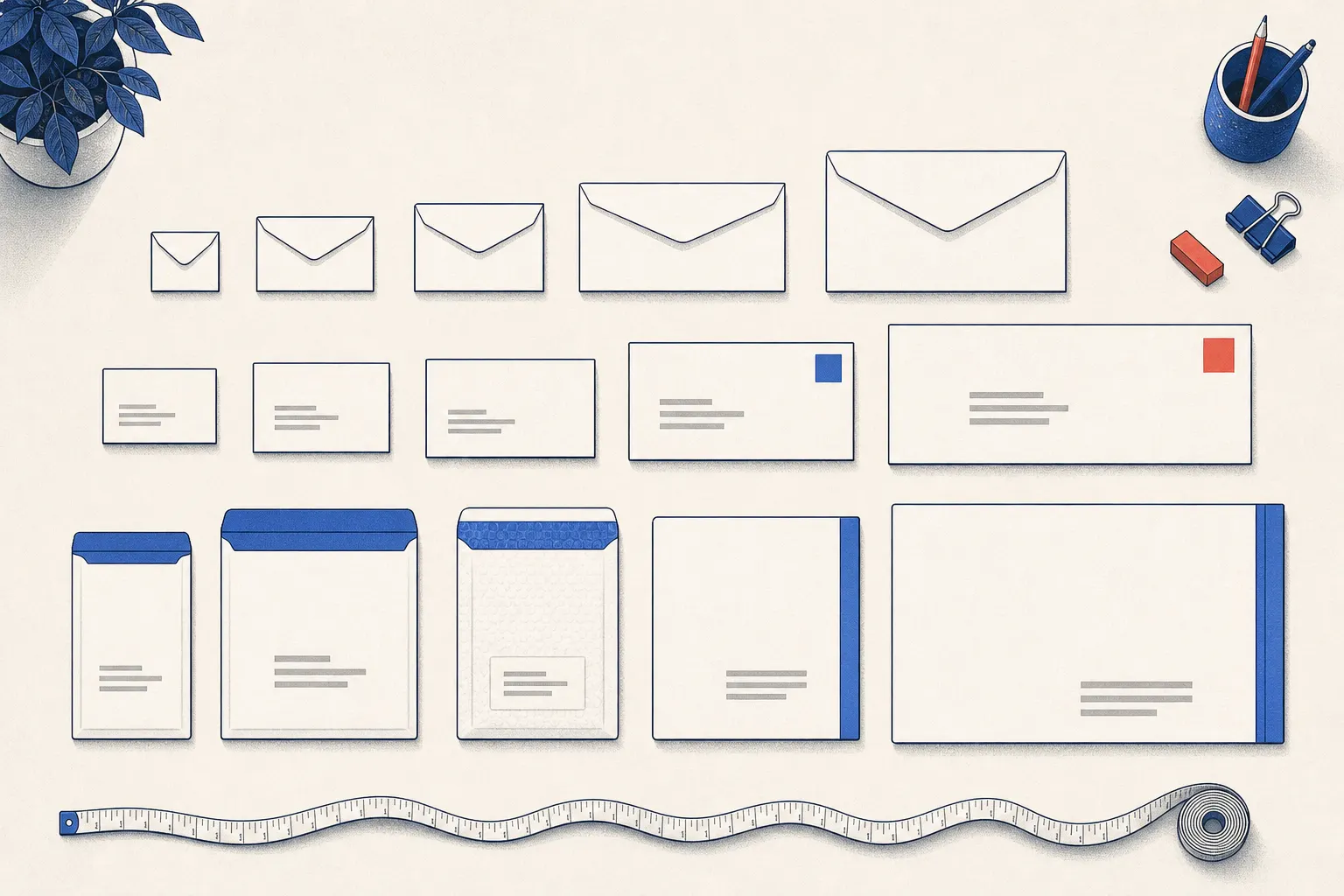
The A-series sizes step up with the cards they hold. Here’s how the A7 compares with its neighbors:
| Envelope | Size | Typical card | Aspect ratio | Mails as |
|---|---|---|---|---|
| A2 | 4⅜ × 5¾ in | 4¼ × 5½ in, RSVP and note cards | 1.31 | Letter, just inside the limit |
| A6 | 4¾ × 6½ in | 4½ × 6¼ in | 1.37 | Letter |
| A7 | 5¼ × 7¼ in | 5 × 7 in cards and invitations | 1.38 | Letter |
| A9 | 5¾ × 8¾ in | 5½ × 8½ in (half-letter) | 1.52 | Letter |
| Square | 5 × 5 to 6½ × 6½ in | Square cards | 1.00 | Nonmachinable letter, +$0.49 |
- A7 vs. A2. A common pairing is an A7 for the invitation and an A2 for the reply. Our A2 envelope size guide covers its own, even stranger print-dialog trap.
- A7 vs. A9. An A9 holds a half-letter card, the next step up for larger invitations. Envelope10 doesn’t print it.
- A7 vs. square. With an aspect ratio of 1.0, a square envelope is always nonmachinable, so every invitation costs $0.49 more; USPS’s letter mailing guide notes that square envelopes cost more to send.
For every other size, from #6¾ business envelopes to 10 × 13 flats, see our envelope sizes chart. And when your custom paper size is ready, you can print your first A7 here.
Frequently asked questions
What size is an A7 envelope?
An A7 envelope is 5 1/4 x 7 1/4 in (5.25 x 7.25 in), or about 133 x 184 mm. It is the standard announcement envelope for 5 x 7 in cards and invitations.
Does a 5x7 card fit in an A7 envelope?
Yes. The envelope is 1/4 in longer and 1/4 in taller than a 5 x 7 card, which leaves about 1/8 in on each side. Very thick or layered cards use up some of that room, so test-fit one first.
Is an A7 envelope the same as a 5x7 envelope?
Not exactly. A7 is the envelope that holds a 5 x 7 card, which is why it is sometimes sold as a 5x7 envelope, but the envelope itself measures 5 1/4 x 7 1/4 in. Check the outside size on the label before you buy.
Why does the A7 paper size on my printer print so small?
Because A7 in a print dialog is ISO A7 paper, 74 x 105 mm (about 2.9 x 4.1 in), not the A7 envelope. Create a custom paper size of 7.25 x 5.25 in and print at 100% scale instead.
How many stamps does an A7 invitation need?
One Forever stamp ($0.82 as of October 2026) if the complete invitation weighs 1 oz or less and is flat and flexible. Up to 2 oz costs $1.11, and a rigid or lumpy invitation adds a $0.49 nonmachinable surcharge, so weigh one before buying stamps.
Can I print addresses on A7 envelopes at home?
Yes, if your printer accepts a custom paper size of 7.25 x 5.25 in. Set that size in the print dialog, print at 100%, test on plain paper first, then feed the envelopes the way your tray shows.