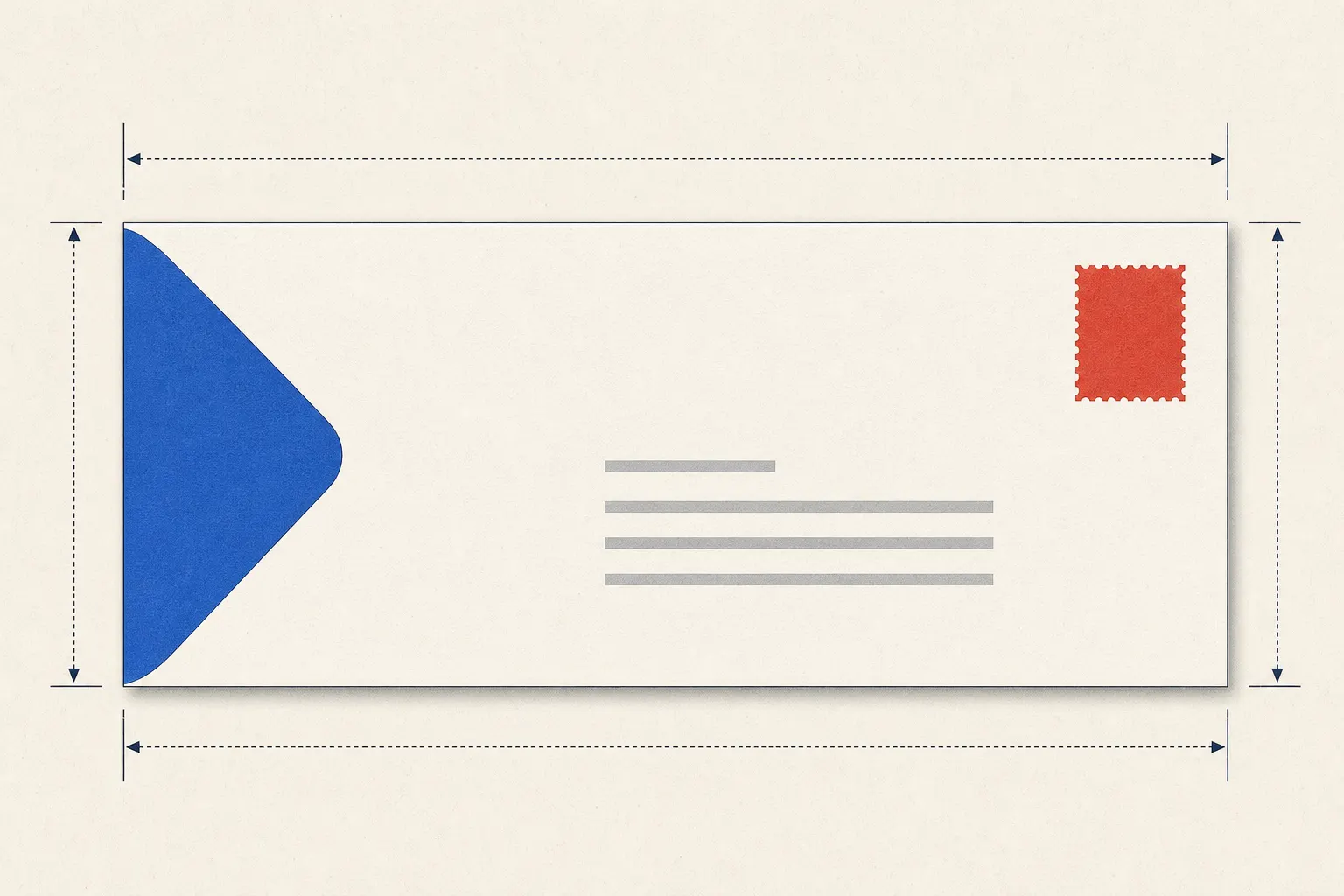
How to Address an Envelope: USPS Format With Examples
Three things go on the front of every envelope: your address in the top-left corner, the recipient’s address in the middle and the stamp in the top-right corner. Here’s how to write each one, with examples for the tricky cases.
Updated 11 min readBy the Envelope10 team
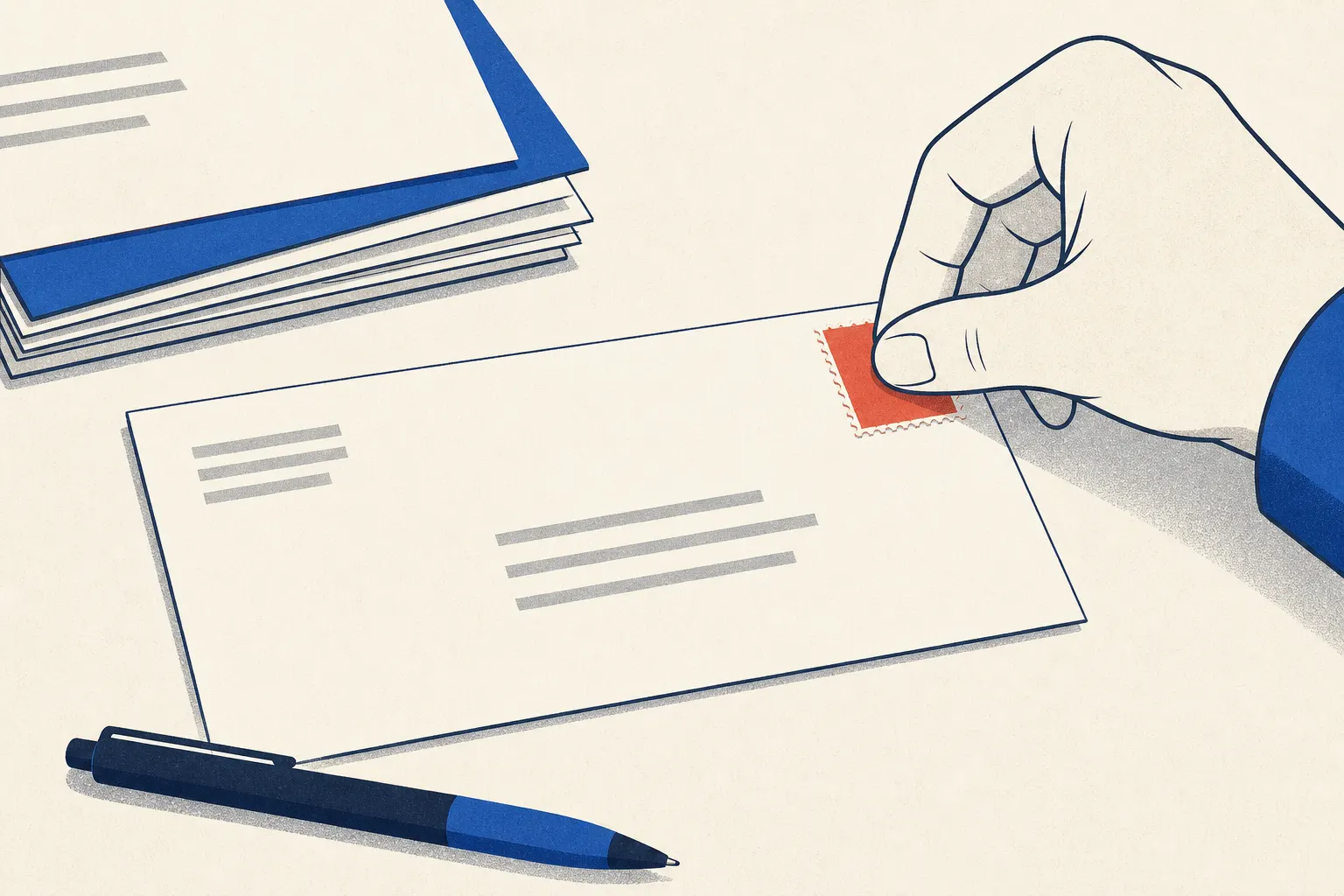
To address an envelope, write the recipient’s name, street address, and city, state and ZIP Code on separate lines in the middle of the front, put your own address in the top-left corner, and place the stamp in the top-right corner. Use capital letters, leave out commas and periods, and add the ZIP+4 if you have it. That’s the format the U.S. Postal Service prefers.
The basics fit in one sentence, but the edge cases trip people up: where the ATTN line goes on business mail, how to write “in care of,” what to do with an apartment number, and how many stamps a heavier letter needs at 2026 prices. This guide covers each one, with examples drawn to scale on a standard #10 envelope.
The three parts of an addressed envelope
Everything goes on the front of the envelope, the side without the flap. USPS asks for the delivery and return addresses on the same side, both running parallel to the long edge (USPS addressing guide). There are three parts:
- Return address — your name and address, in the top-left corner.
- Delivery address — who the letter is going to, in the middle of the envelope, slightly below center.
- Postage — the stamp, in the top-right corner. The mailing standards require stamps in the upper right corner of the address side (DMM 604.1.7).
The shaded band is what USPS calls the OCR read area: at least ½ in from the left and right edges, and between ⅝ in and 2¾ in above the bottom (DMM 202). Below it on the right is a 4¾ × ⅝ in barcode clear zone, where the sorting equipment prints a barcode, so nothing you write should reach into it. Our guide to USPS address placement rules explains each zone in detail.
The delivery address, line by line
Write the delivery address as a block of lines that all start at the same left margin. From top to bottom:
- Recipient. The person’s name, or the business name if the letter isn’t for anyone in particular.
- Company or organization, if the letter is going to a person at a business. The business example below shows where an ATTN line fits.
- Street address. Building number, any direction (N, SW), street name and suffix, then the apartment or suite:
1458 OAK RIDGE DR APT 12. - City, state and ZIP Code. The two-letter state abbreviation, then the 5-digit ZIP or ZIP+4:
DENVER CO 80202-1234.
Apartment, suite and unit numbers
Designators like APT and STE are required, and USPS’s preferred spot for them is the end of the street line. If the line would get too long, put the unit on the line immediately above the street address instead (Pub 28).
Skip the pound sign when you know the right word: APT 4B, not #4B. If you don’t know whether it’s an apartment or a suite, # is acceptable, with a space before the number: 425 PINE ST # 4B. If you print with Envelope10, typing the unit at the end of the Street address field gives you that single-line format.
The last line
City, state and ZIP share one line. Pub 28 asks for at least one space between each part and prefers two spaces between the state and the ZIP (Pub 28). Use the two-letter state code (CO, not Colo.).
Street address or PO Box — pick one
USPS’s addressing guide says to use a PO Box or a street address, not both. If an address does carry both, the mail goes to whichever one sits on the line directly above the city, state and ZIP (Pub 28 §215), so put the one you want used last.
Envelope addressing examples
Every example below uses the capital-letter, no-punctuation style USPS prefers. The ones drawn on envelopes show exactly how they print on a #10.
Personal letter
MARIA LOPEZ1458 OAK RIDGE DRDENVER CO 80202
Three lines is all most personal mail needs.
Apartment or unit
DAVID KIM310 W 5TH ST APT 702AUSTIN TX 78701
The direction (W) goes before the street name and the unit goes at the end of the line, so the whole delivery address stays on one line.
Business letter with an ATTN line
When a letter is for a specific person or department at a company, the attention line goes above the company name (Pub 28 §214). Pub 28’s full business layout runs attention line, title, department, company name, street address, and the city, state and ZIP+4 line (business address format). Most letters need only four of those lines.
Writing to a department instead of a person works the same way: ATTN ACCOUNTS PAYABLE goes above the company name.
In care of (c/o)
Use C/O when the letter is for someone receiving mail at another person’s address, such as a guest or a relative staying with family. USPS’s own example puts the recipient first, then C/O and the host’s name, then the host’s street address and last line (USPS FAQ).
PO Box
LINDA CHENPO BOX 4471PORTLAND OR 97208
USPS’s standard form is PO BOX followed by the number, with no periods (Pub 28). Use the ZIP Code the box holder gives you.
Military: APO, FPO and DPO
Military and diplomatic addresses replace the city with APO, FPO or DPO and the state with AA, AE or AP (Armed Forces Americas, Europe or Pacific), followed by the ZIP Code (USPS FAQ). USPS says to leave out any city or country name and to always include a return address (USPS military mail).
A DPO address follows the same pattern. USPS’s example:
JOHN ADAMSUNIT 8400 BOX 0000DPO AE 09498-0048
International
For mail leaving the US, the last line is the country name alone, written in full and preferably in capitals. Keep the foreign postal code off that line (Pub 28 Appendix A):
JEAN TREMBLAY250 RUE PRINCIPALEMONTREAL QC H2X 1Y4CANADA
Envelope10 handles US addresses only (including DC, Puerto Rico, Guam, the US Virgin Islands and APO/FPO/DPO), so address international mail by hand or in a word processor. The postage differs too: a 1-oz international letter costs $1.75 as of July 12, 2026.
The return address
Your return address goes in the top-left corner, on the same side as the delivery address (USPS letters guide). Format it like the delivery address — name, street, then city, state and ZIP — just smaller. Envelope10 prints it at 10 pt, ⅜ in from the left edge and about 0.4 in from the top.
Keeping it small and high helps the machines. A #10 is 4⅛ in tall and the read area stops 2¾ in above the bottom, so the top 1⅜ in of the envelope sits above it. A return address in that corner stays out of the space the scanner searches for the delivery address.
Is a return address required?
For an ordinary stamped letter, not always. The mailing standards list the specific cases that need one, such as an envelope carrying a printed ancillary service endorsement (DMM 602). Military mail is the case people miss: USPS says to always include a return address on APO, FPO and DPO mail.
Include one anyway. Without it, a letter that can’t be delivered has nowhere to go back to.
Can it go on the back flap?
USPS’s guidance puts it on the front, top left, and DMM 602 requires that spot when the envelope carries an ancillary service request. Stick with the front corner.
Where the stamp goes and how many you need
The stamp goes in the top-right corner of the front, on the same side as the addresses. Not on the back and not on the left: the rule cited above names the upper right corner of the address side.
| Letter weight | Postage | Forever stamps that cover it |
|---|---|---|
| Up to 1 oz | $0.82 | 1 |
| Up to 2 oz | $1.11 | 2 (or 1 stamp plus 29¢) |
| Up to 3 oz | $1.40 | 2 |
| Up to 3.5 oz (letter maximum) | $1.69 | 3 (or 2 stamps plus 5¢) |
| Nonmachinable surcharge | +$0.49 | Add on top of the weight price |
The July 12, 2026 price change raised the Forever stamp from 78¢ to 82¢ and kept the additional-ounce price at 29¢ (USPS announcement). Forever stamps you bought before then still cover a 1-oz letter. Current prices are listed in Notice 123. Letters heavier than 3.5 oz pay large-envelope (flat) prices instead.
Using more than one stamp
Place extra stamps side by side in the top-right area, starting at the corner and working left. Don’t overlap them: under DMM 604.1.7, a stamp partly covered by another stamp may not be counted as postage.
When a letter costs extra
Letters that can’t run through the sorting machines pay the $0.49 nonmachinable surcharge on top of the stamp. Under DMM 101.1.2, that includes envelopes that are:
- Square-ish or extra long: length divided by height below 1.3 or above 2.5
- Rigid, or lumpy with a pen, key or coin inside
- Closed with clasps, string or buttons, or wrapped in plastic
- Addressed parallel to the short side
A standard #10 business envelope is 9½ × 4⅛ in, an aspect ratio of 2.30, so a flat letter up to 1 oz mails for one Forever stamp. Our #10 envelope size guide covers the full letter-size limits and what fits inside.
Not sure about a square card or a thick letter? Our free postage checker tells you how many stamps an envelope needs and whether the 49¢ surcharge applies.
USPS formatting tips
- Capitals are preferred, not required. Pub 28 says uppercase letters are preferred and lowercase is fine as long as the machines can read it (Pub 28).
- Leave out punctuation. Pub 28 lets you drop all punctuation except the hyphen in a ZIP+4 and shows the unpunctuated address as preferred (Pub 28 §222); the consumer guide simply says not to use commas or periods. An address with punctuation is still acceptable, so the comma Envelope10 places after the city does no harm.
- Add the ZIP+4. USPS asks for it whenever possible. Find it by street address with the USPS ZIP Code Lookup.
- Keep it readable. Dark ink on a light envelope, with characters that don’t touch (Pub 28 Appendix A). Printed addresses need at least 8-point type, and USPS prefers a sans-serif font.
- Use standard abbreviations. They keep long lines short. The most common ones are below.
| Street suffix | Unit designator | Direction and box |
|---|---|---|
| Avenue → AVE | Apartment → APT | North → N |
| Street → ST | Suite → STE | South → S |
| Boulevard → BLVD | Unit → UNIT | East → E |
| Road → RD | Building → BLDG | West → W |
| Drive → DR | Floor → FL | Northeast → NE |
| Lane → LN | Room → RM | Northwest → NW |
| Court → CT | Department → DEPT | Southeast → SE |
| Circle → CIR | Basement → BSMT* | Southwest → SW |
| Place → PL | Front → FRNT* | Post Office Box → PO BOX |
| Parkway → PKWY | Rear → REAR* | — |
| Highway → HWY | — | — |
The full lists are in Pub 28’s appendices for street suffixes and unit designators, and in its section on directionals.
Handwritten or printed?
Both get delivered. If you write by hand, USPS’s advice is to print the addresses neatly in capital letters with a pen or permanent marker, so use block capitals rather than cursive and keep the lines straight and left-aligned.
Printing pays off when the envelope matters or you have more than a couple to send: invoices, job applications, thank-you notes. You get the same placement every time, type that’s large enough to read, and no guessing where the read area ends.
For a #10 envelope, the Envelope10 printer handles the layout. Type both addresses, switch on ALL CAPS, and it places the return address and the delivery block where USPS expects them, leaving the barcode zone blank. It’s free, needs no account, and builds the PDF on your device. Our guide to printing an address on an envelope compares it with Word, Google Docs and the Mac’s built-in options.
If the address comes out on the wrong side or upside down, the envelope went in the wrong way round. Our guide to loading envelopes in your printer shows how to find the right orientation, and once it’s set, every envelope you print from Envelope10 lands in the same place.
Frequently asked questions
Where do you put ATTN on an envelope?
On the top line of the delivery address, above the company name. USPS Publication 28 places the attention line above the firm name, followed by the street address and then the city, state and ZIP Code.
How do you write c/o on an envelope?
Write the name of the person the letter is for first. On the next line write C/O and the name of the person or business whose address you are using, then that street address and the city, state and ZIP line.
Where does the apartment number go on an envelope?
USPS prefers it at the end of the street address line, for example 310 W 5TH ST APT 702. If the line would be too long, put it on the line directly above the street address.
Does the stamp go on the left or the right of the envelope?
The right. Postal rules require stamps in the upper right corner of the address side, which is the same side as the delivery and return addresses.
Can I put the return address on the back of the envelope?
USPS guidance puts the return address in the upper left corner on the front of the envelope, and the mailing standards require that spot in cases such as mail with an ancillary service request. The front corner is the safe choice.
How many stamps do I need for a normal envelope?
One Forever stamp covers a standard letter up to 1 oz; that is $0.82 as of July 12, 2026. Each extra ounce adds $0.29, and square, rigid or lumpy envelopes add a $0.49 nonmachinable surcharge.